
- HTML to PDF APIConvert HTML and URLs into PDFsExtract PDF Form Data APIEasily extract data from PDFsWatermark PDF APIAdd custom watermarks to PDFsProtect PDF APISecure your PDFs with passwordCompress PDF APIReduce file size without losing qualityFlatten PDF APIFlatten PDFs to make form permanentDigital Signature APISend documents for signing
- API DocumentationAPI DocumentationFull REST API referenceNodeJS SDKClient library for Node.jsJava SDKClient library for JavaC# SDKClient library for C#PHP SDKClient library for PHPPython SDKClient library for Python
- Pricing
- Contact Us

Best HTML to PDF APIs in 2026
We compared 11 HTML to PDF APIs, including PDFGate, DocRaptor, PDFShift, PDFCrowd, Api2Pdf, Browserless, ConvertAPI, CloudConvert, PDFMonkey, APITemplate.io, and CraftMyPDF, on features, pricing, limits, and the use each one fits best.
An HTML to PDF API turns a web page or an HTML template into a PDF without running a browser on your own servers. Teams use them for invoices, reports, contracts, receipts, and certificates, and the choice affects how your documents look, what they cost at volume, and what else you can do with them after they are generated.
The list below covers eight code-first APIs that convert HTML or a URL, and three template-based tools where you design a template once and send JSON data. For each one, you will find what it does well, where it falls short, its pricing, and the use it fits best.
Key takeaways
- Most HTML to PDF APIs now render with Chrome, so the differences are in waiting options, extra features, limits, and pricing rather than output quality.
- DocRaptor remains the choice for print layouts built with CSS Paged Media and for PDF/UA output.
- Pay-per-use services such as Api2Pdf and CloudConvert are the cheapest at volume, while plan-based APIs are easier to budget.
- Template-based tools such as PDFMonkey, APITemplate.io, and CraftMyPDF suit teams where non-developers maintain document layouts.
How we compared
PDFGate is our own product, and it appears first in this list. To keep the comparison fair, every entry is based only on each provider's public website, documentation, and pricing pages, reviewed on October 4, 2026. The feature and pricing notes below do not include speed or quality scores.
For rendering quality we ran a separate test. We sent the same four-page invoice to 12 HTML to PDF APIs, including ten of the eleven here, and scored each output on 14 rendering checks, speed and file size. The results are in Benchmarking 12 HTML to PDF APIs Across 14 Rendering Checks on HackerNoon, and the test document, runner and every returned PDF are in the public benchmark repository, so you can rerun it on your own HTML. The six APIs that can create fillable fields also got a second test on the same form, in Best HTML to PDF APIs for Fillable Forms.
We looked at the same things for every API:
- Rendering engine and support for modern CSS and JavaScript.
- Options for dynamic pages, such as waiting for content and handling cookie banners.
- Features beyond conversion, such as forms, password protection, PDF/A, and e-signatures.
- Pricing for the first three paid plans, the free plan or trial, and how usage is counted.
- Limits, compliance, and where your data is processed.
Prices are shown in each provider's own currency for monthly billing, as published on the review date. Features and prices change often, so check each provider's website before you decide.
Comparison table
| API | Type | Engine | Entry plan | Free plan or trial | Best for |
|---|---|---|---|---|---|
| PDFGate | Code-first API | Chrome | $9/month for 500 documents | 14-day free trial | Generating, processing, and signing documents in one API |
| DocRaptor | Code-first API | Prince | $15/month for 125 documents | 5 documents/month | Print layouts and PDF/UA |
| PDFShift | Code-first API | Chromium | $9/month for 500 credits | 50 credits/month | A focused Chrome API with async delivery |
| PDFCrowd | Code-first API | Not disclosed | $1/month for 10 credits | 100 test credits for one month | PDF/A, templating, and format conversions |
| Api2Pdf | Code-first API, pay per use | Chrome, wkhtmltopdf, LibreOffice | $1/month plus usage | One month of free credit | The lowest cost at volume |
| Browserless | Hosted headless browser | Chrome | $35/month for 20,000 units | 1,000 units/month | Browser automation that also produces PDFs |
| ConvertAPI | File conversion API | Chromium | €30/month for 1,000 conversions | 250 conversions | Many file conversions with strong compliance |
| CloudConvert | File conversion API | Chrome or wkhtmltopdf | €9.52/month for 1,000 credits | 10 credits/day | Conversion pipelines with German hosting |
| PDFMonkey | Template-based | Chrome | €5/month for 300 documents | 20 documents/month | Low-cost templates with EU hosting |
| APITemplate.io | Template-based, plus HTML and URL | Chromium | $24/month for 3,000 PDFs | 50 PDFs or images/month | Templates with a choice of data region |
| CraftMyPDF | Template-based | Not disclosed | $29/month for 1,200 PDFs | 50 PDFs or images/month | No-code template design with e-signatures |
Code-first HTML to PDF APIs
These APIs take raw HTML or a URL and return a PDF. They suit teams whose developers already produce HTML, or who need to convert existing web pages.
1. PDFGate
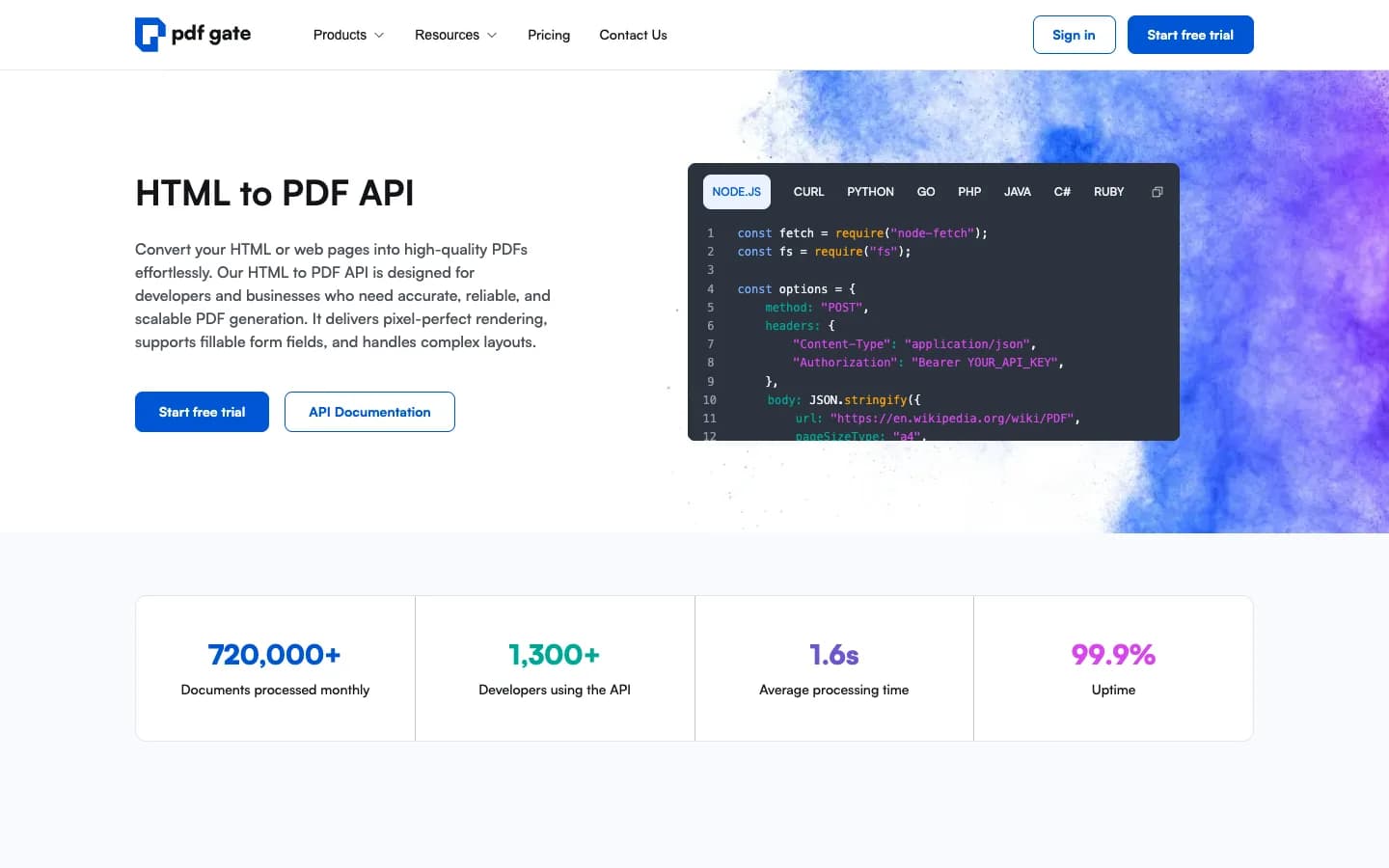
PDFGate is our product, so read this entry with that in mind. It converts URLs and raw HTML to PDF with Chrome, then covers the rest of the document workflow in the same API: fillable form fields generated from HTML inputs, processing existing PDFs, and sending documents for e-signature.
Strengths
- Chrome rendering with waiting options for a CSS selector, network idle, or a fixed delay.
- Click selector chains to dismiss cookie banners and pop-ups before capturing a page.
- Fillable PDF form fields, including signature fields, created from HTML inputs.
- Compress, flatten, watermark, protect, and extract form data from PDFs, plus e-signature envelopes, with one API key and one quota.
- Hosted on AWS in the EU (Frankfurt), with SDKs for Node.js, Python, PHP, Java, and C#, no-code integrations, and an MCP server.
Limitations
- No asynchronous generation with webhooks; requests are synchronous.
- No PDF/A or PDF/UA output, and no image output.
- No free plan, only a 14-day trial.
Pricing
- Personal: $9/month for 500 conversions, 3 in parallel
- Starter: $20/month for 3,000 conversions, 5 in parallel
- Basic: $50/month for 10,000 conversions, 10 in parallel
- Overage is $0.05 per conversion on Personal and $0.02 on Starter and Basic. Failed and sandbox requests are not counted.
Best for: Generating, processing, and signing documents in one API. See the HTML to PDF API and pricing.
2. DocRaptor
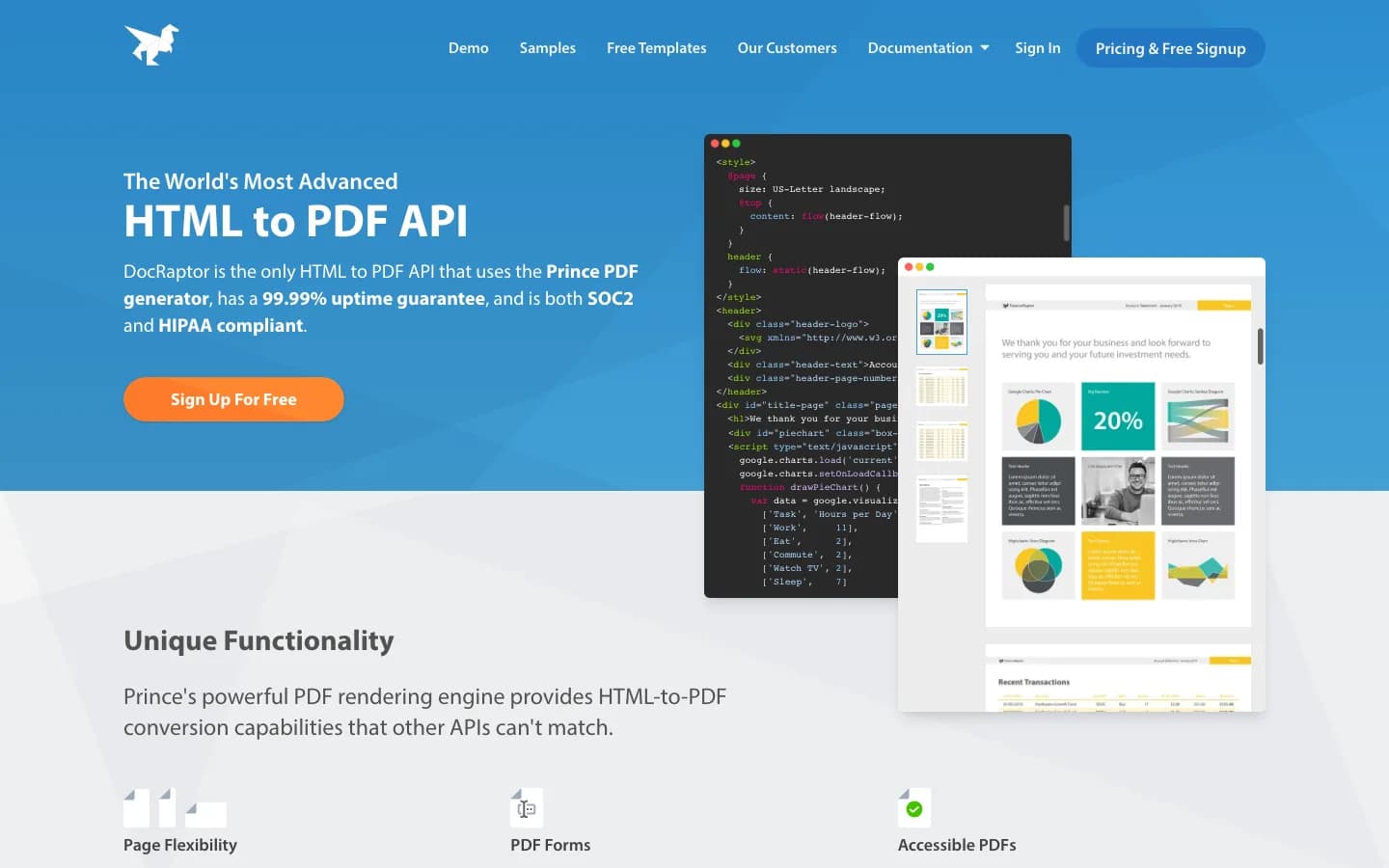
DocRaptor is built on Prince, a commercial engine designed for print. It is the strongest choice here for documents that rely on CSS Paged Media, such as footnotes, page floats, and different left and right pages.
Strengths
- Advanced print layout from CSS Paged Media.
- Accessible PDFs, PDF/UA, and PDF/A.
- Asynchronous generation with a callback URL, plus hosted document links.
- SOC 2, HIPAA, and GDPR compliance, with a 99.99% uptime guarantee.
Limitations
- Does not support the entire JavaScript ES6 specification, according to DocRaptor, so heavily scripted pages may need extra work.
- The most expensive per document of the code-first APIs on this list.
- Focused on generating PDF and Excel files, without e-signatures or processing of existing PDFs.
Pricing
- Basic: $15/month for 125 documents
- Professional: $29/month for 325 documents
- Premium: $75/month for 1,250 documents
- Overage ranges from 2.5¢ to 12¢ per extra document, depending on the plan.
Best for: Print layouts and PDF/UA. See how PDFGate holds up as a DocRaptor alternative.
3. PDFShift
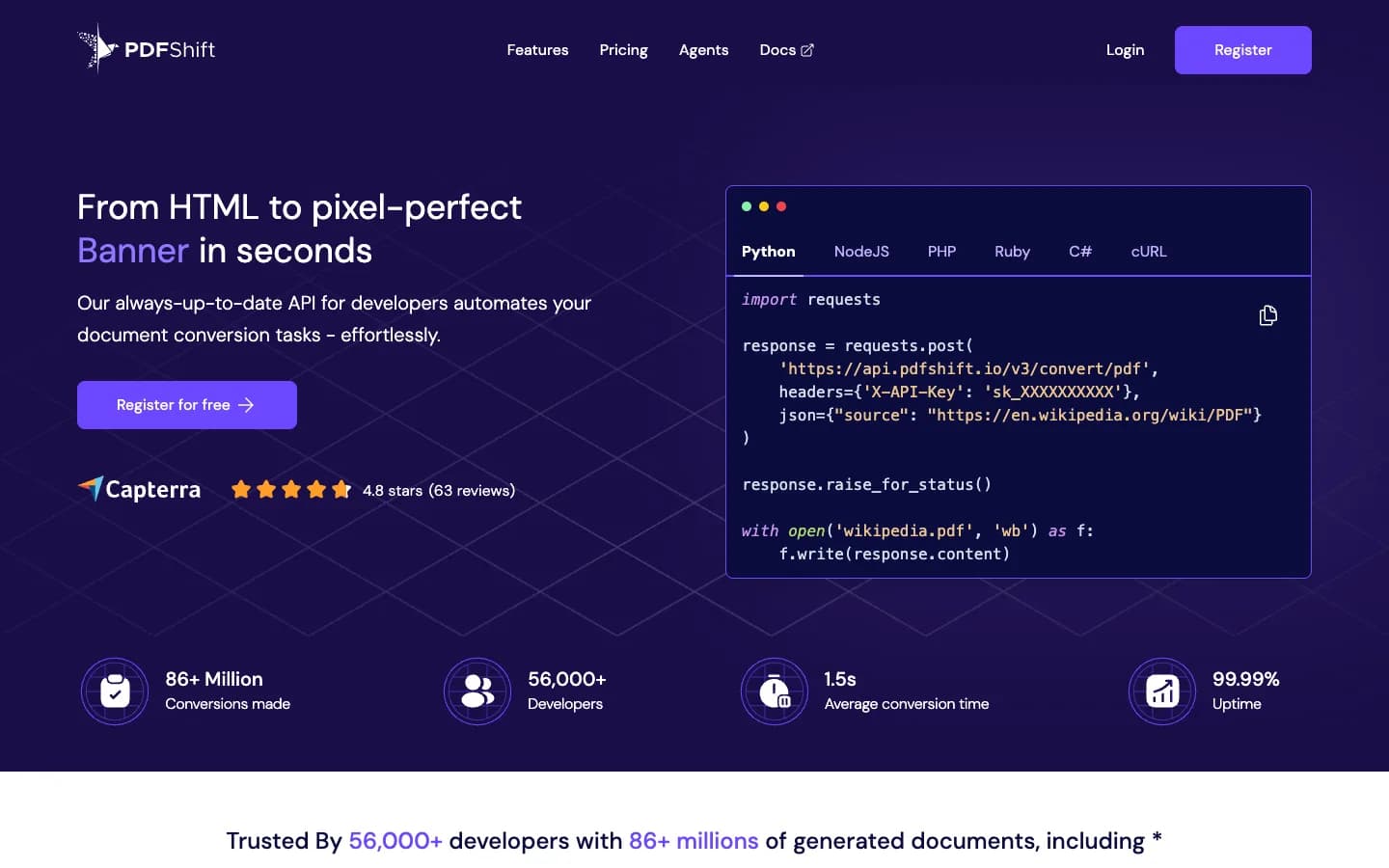
PDFShift is a focused HTML to PDF API built on Chromium. It converts URLs and HTML, and adds flexible delivery options such as webhooks and direct upload to cloud storage.
Strengths
- Asynchronous conversion with webhooks, and delivery to Amazon S3 or Google Cloud Storage.
- PNG, JPEG, and WebP output from the same API.
- Watermarks and password protection during conversion.
- GDPR with EU customer data in France, and a HIPAA mode with a BAA.
- Integrations with Zapier, Make, n8n, and others, plus an MCP server.
Limitations
- One credit per 5 MB of output, so large PDFs use more than one credit.
- No fillable form fields or e-signatures listed.
- No processing of existing PDFs, such as compression or form data extraction.
Pricing
- Starter: $9/month for 500 credits
- Boost: $24/month for 2,500 credits
- Growth: $39/month for 5,000 credits
- Overage is $0.04, $0.03, and $0.025 per credit on these plans.
Best for: A focused Chrome API with async delivery. See how PDFGate holds up as a PDFShift alternative.
4. PDFCrowd
PDFCrowd is a long-running conversion toolkit from the Czech Republic. Beyond HTML to PDF, it converts between PDF, HTML, images, and text, and offers options that many APIs lack, such as PDF/A and built-in templating.
Strengths
- PDF/A and tagged PDF output.
- Built-in templating that merges JSON or XML data into HTML.
- A locale parameter for dates and numbers on the converted page.
- Separate APIs to merge and split PDFs, and to convert PDFs to HTML, text, or images.
Limitations
- The maximum wait for dynamic content is 1 to 2 seconds on the first three plans.
- One conversion at a time on the first three plans.
- One credit per 0.5 MB of output, and requests use form fields rather than JSON.
Pricing
- Nano: $1/month for 10 credits
- Micro: $11/month for 200 credits
- Small: $23/month for 1,000 credits
- Occasional overages are not charged, but frequent ones require an upgrade.
Best for: PDF/A, templating, and format conversions. See how PDFGate holds up as a PDFCrowd alternative.
5. Api2Pdf
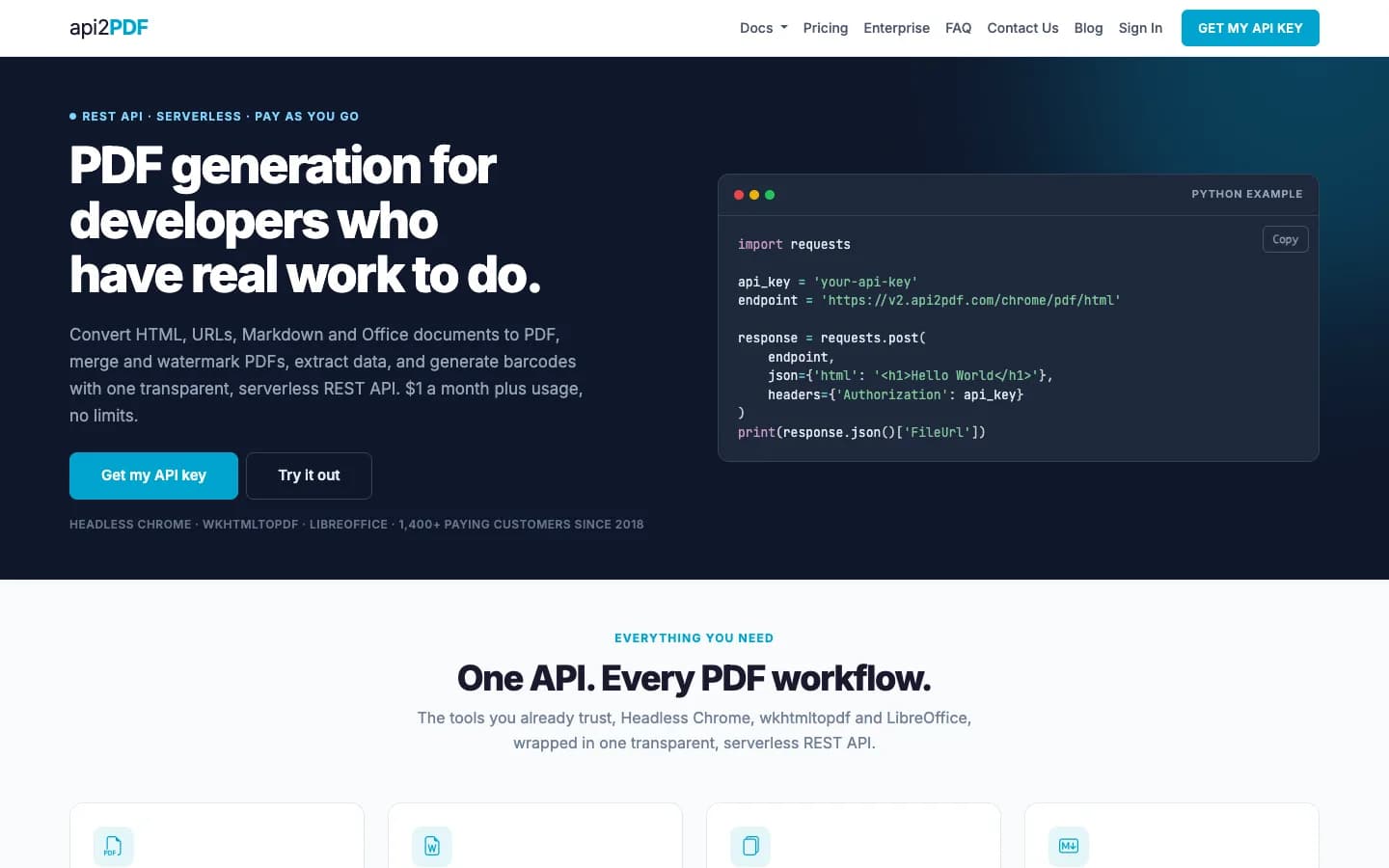
Api2Pdf is a pay-per-use conversion toolkit. It renders HTML and URLs with headless Chrome and also converts Office documents with LibreOffice, charging for bandwidth and compute time instead of documents.
Strengths
- Usually the cheapest option: about $5.91 for 10,000 typical PDFs, according to Api2Pdf's own example.
- Office documents to PDF, HTML to Word or Excel, merging, and extracting content from PDFs.
- No rate limits, and an MCP server.
Limitations
- Requests are limited to 90 seconds.
- Files are deleted after 24 hours unless you upload them to your own storage.
- No CSS or JavaScript injection, cookie banner handling, or fillable form fields listed.
Pricing
- $1/month, plus $0.001 per MB of bandwidth and $0.00019551 per second of compute.
- A typical PDF is about 0.1 MB and takes about 2 seconds, according to Api2Pdf.
Best for: The lowest cost at volume. See how PDFGate holds up as a Api2Pdf alternative.
6. Browserless
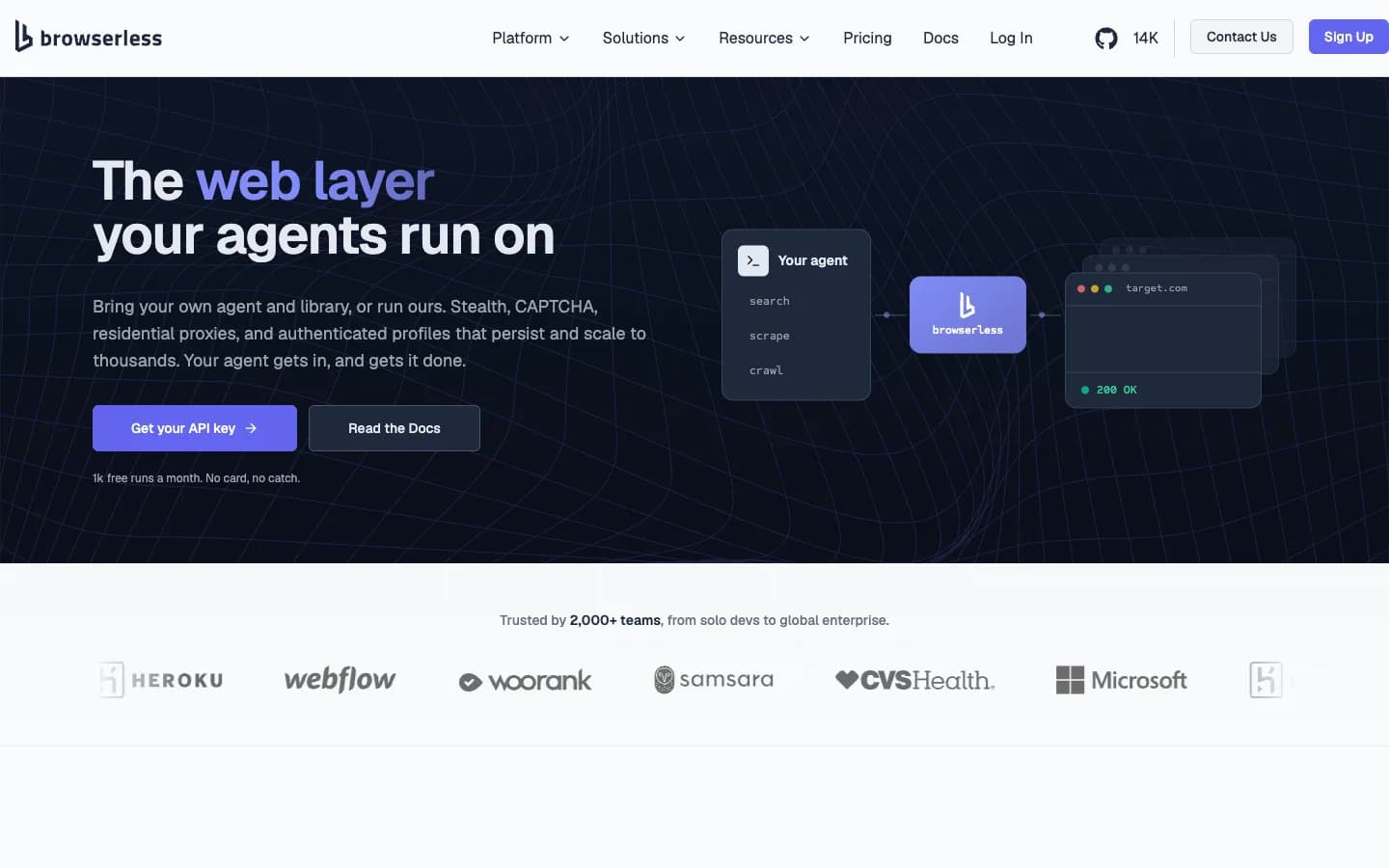
Browserless is a hosted headless browser platform. You can drive it with Puppeteer or Playwright, or call its one-shot /pdf REST endpoint, which renders URLs or HTML with Chrome's print engine.
Strengths
- Rich waiting options, plus built-in cookie consent blocking and ad blocking.
- Screenshots, scraping, and full browser automation in the same account.
- SOC 2 Type II, HIPAA with a BAA, GDPR, and regions in the US and Europe.
- Zapier, Make, and n8n templates, plus an MCP server.
Limitations
- Billed by blocks of browser time of up to 30 seconds, so slow pages cost more.
- No password protection, watermarks, form fields, or PDF/A for PDFs.
- Synchronous responses only, with no stored files or download links for PDFs.
Pricing
- Prototyping: $35/month for 20,000 units
- Starter: $200/month for 180,000 units
- Scale: $500/month for 500,000 units
- A unit is up to 30 seconds of browser time. Annual billing saves 30%.
Best for: Browser automation that also produces PDFs.
7. ConvertAPI
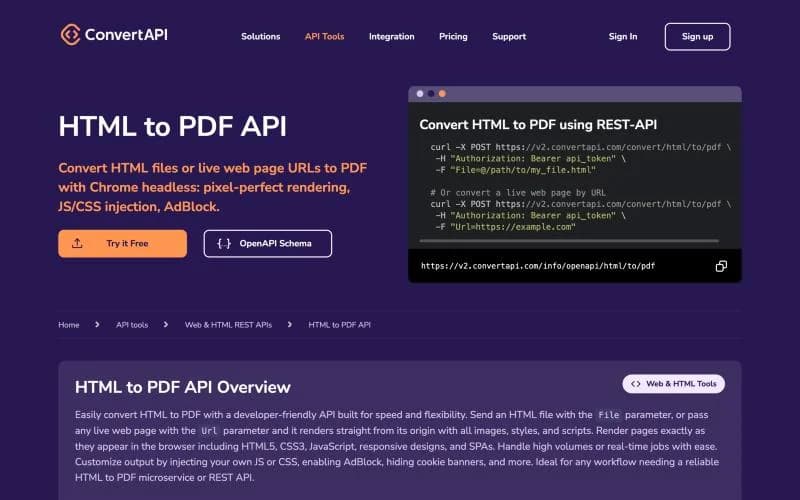
ConvertAPI is a general file conversion API from Lithuania with more than 300 conversions. Its HTML to PDF converter uses Chromium and has one of the deepest option sets on this list.
Strengths
- Wait for a selector, inject JavaScript and CSS, block cookie banners and ads, and control page breaks.
- Separate converters for PDF/A, password protection, watermarks, merging, compression, and flattening.
- Asynchronous conversions with webhooks, and an MCP server.
- ISO 27001, SOC 2, HIPAA with a BAA, and GDPR, with EU and US regions.
Limitations
- Each post-processing step is a separate conversion with its own cost.
- Only 1 to 3 conversions at a time on the first three plans.
- No fillable form fields created from HTML.
Pricing
- Developer: €30/month for 1,000 conversions
- Startup: €80/month for 5,000 conversions
- Growth: €150/month for 15,000 conversions
- Overage is €0.05 per conversion. Annual billing saves 20%.
Best for: Many file conversions with strong compliance.
8. CloudConvert
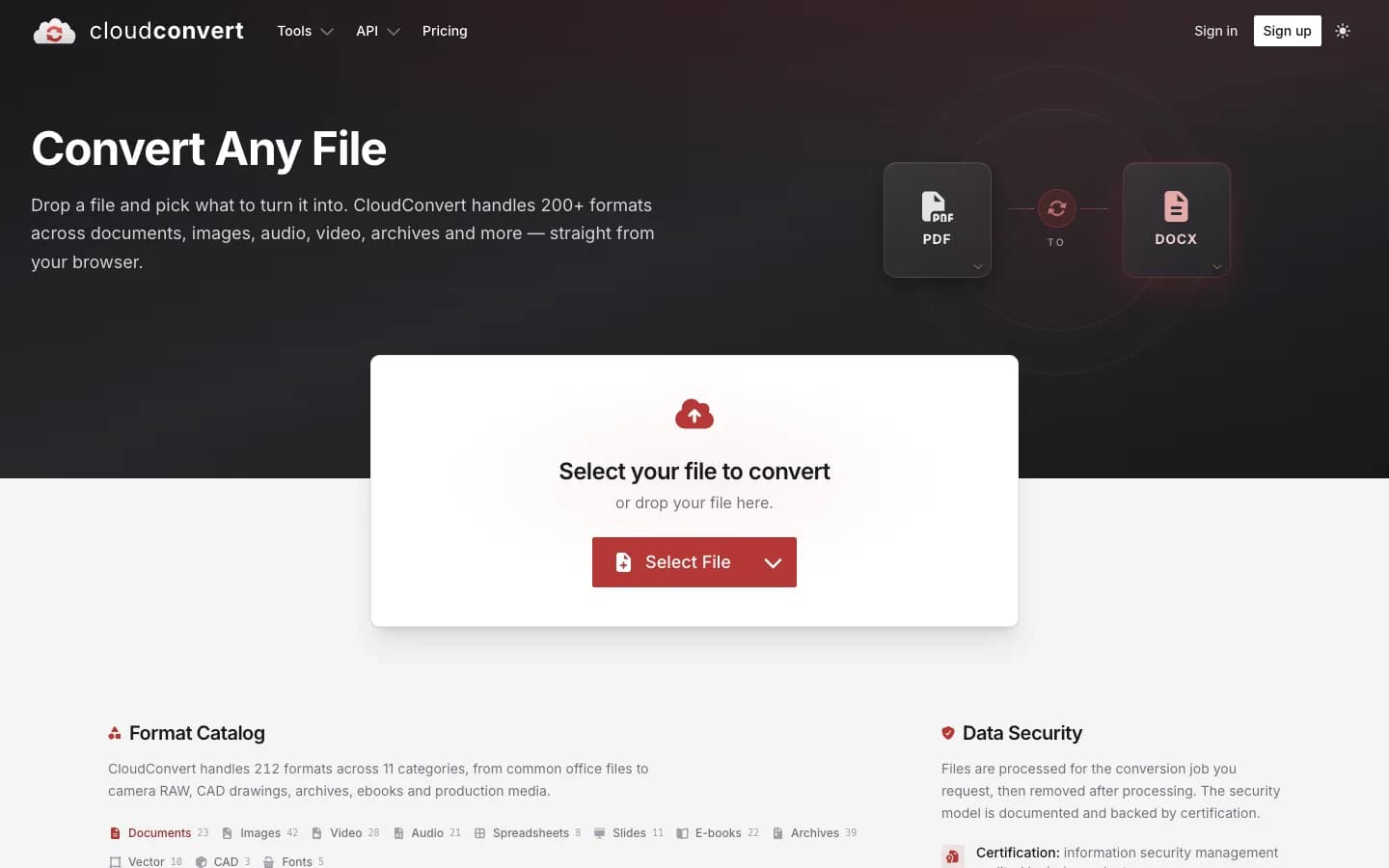
CloudConvert, from Lunaweb GmbH in Munich, converts almost any file format. Websites are converted with a capture-website task and HTML files with a convert task, both rendered with Chrome by default.
Strengths
- Wait options, header and footer templates, custom headers, and automatic closing of cookie banners.
- Chain HTML to PDF with PDF/A, encryption, watermarks, merging, and OCR in one job, then export to your own storage.
- About one credit per conversion, so it is inexpensive at volume.
- ISO 27001, GDPR, a choice of Germany or US region, and a 99.9% SLA on paid plans.
Limitations
- Jobs are made of tasks, so even a simple conversion needs more setup than a single API call.
- Billing is based on conversion time, so slow pages can cost more than one credit.
- Output links expire after 24 hours, and no fillable form fields are listed.
Pricing
- Subscriptions start at €9.52/month for 1,000 credits, and 2,000 credits cost €17.85/month.
- One-time packages start at €9.52 for 500 credits, and the credits never expire.
- Prices include 19% VAT. A conversion typically uses one credit per minute of processing.
Best for: Conversion pipelines with German hosting.
Template-based PDF generators
With these tools, you design a template once, in a visual editor or with HTML and a templating language, then send JSON data to generate each document. They suit teams where non-developers maintain layouts, or where documents are generated from no-code tools.
9. PDFMonkey
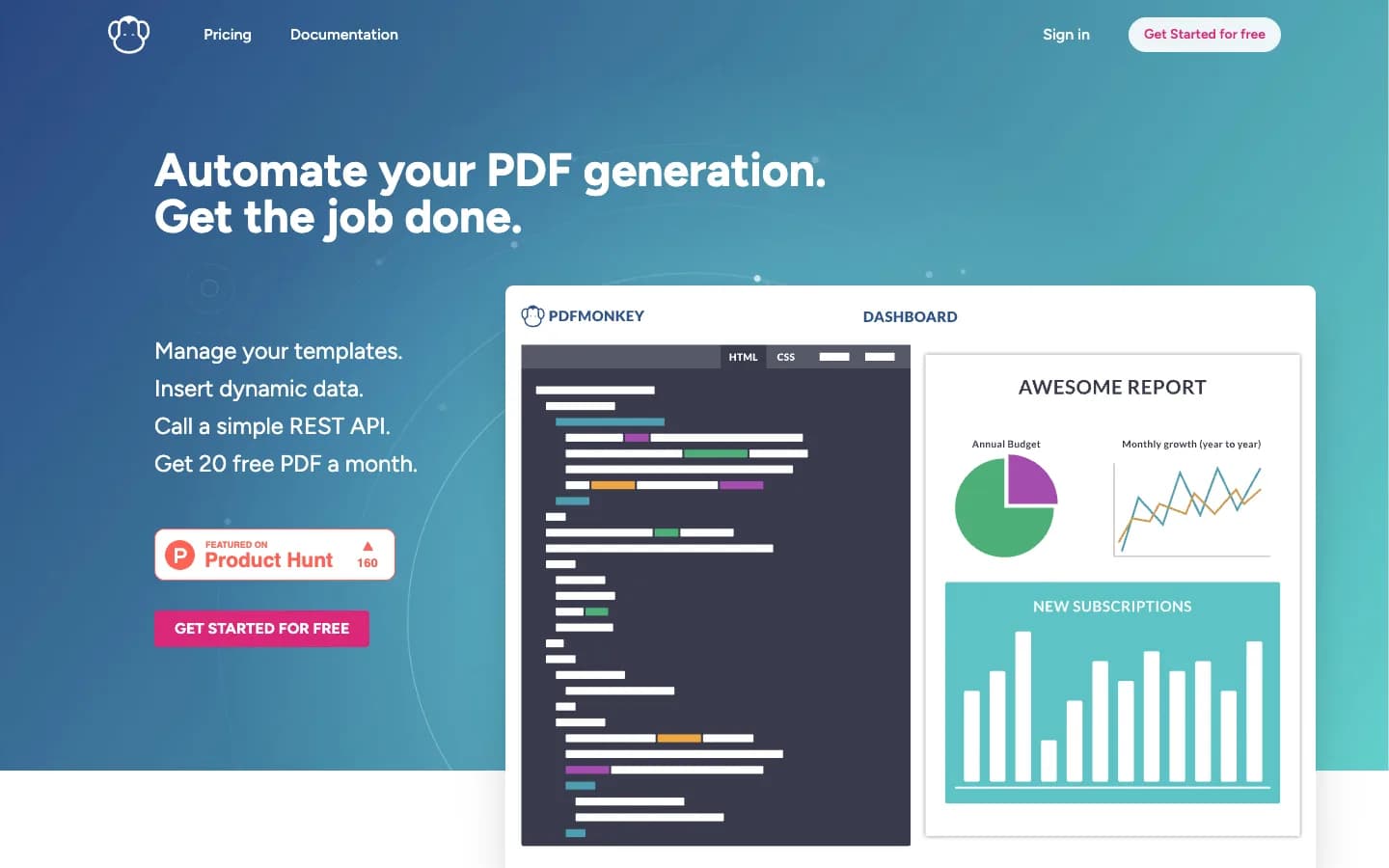
PDFMonkey, made in France, generates PDFs and images from templates you store in its dashboard: HTML and CSS with Liquid, or a visual builder. You send JSON data and get a document back.
Strengths
- A low entry price, a free plan, and a 30-day trial with no credit card.
- Fillable form fields, AES-256 password protection, and image output.
- Synchronous or asynchronous generation with webhooks.
- Hosted in the EU, with Zapier, Make, n8n, and Bubble integrations, and an MCP server.
Limitations
- Template-first: no URL to PDF, and raw HTML only through a pass-through template.
- Lower plans have short generation limits and keep files for one day.
- No SOC 2 certification or published SLA.
Pricing
- Starter: €5/month for 300 documents
- Pro: €15/month for 3,000 documents
- Pro+: €60/month for 5,000 documents
- Overage is €0.008 to €0.006 per document with pay-as-you-go. Annual billing saves 10%.
Best for: Low-cost templates with EU hosting.
10. APITemplate.io
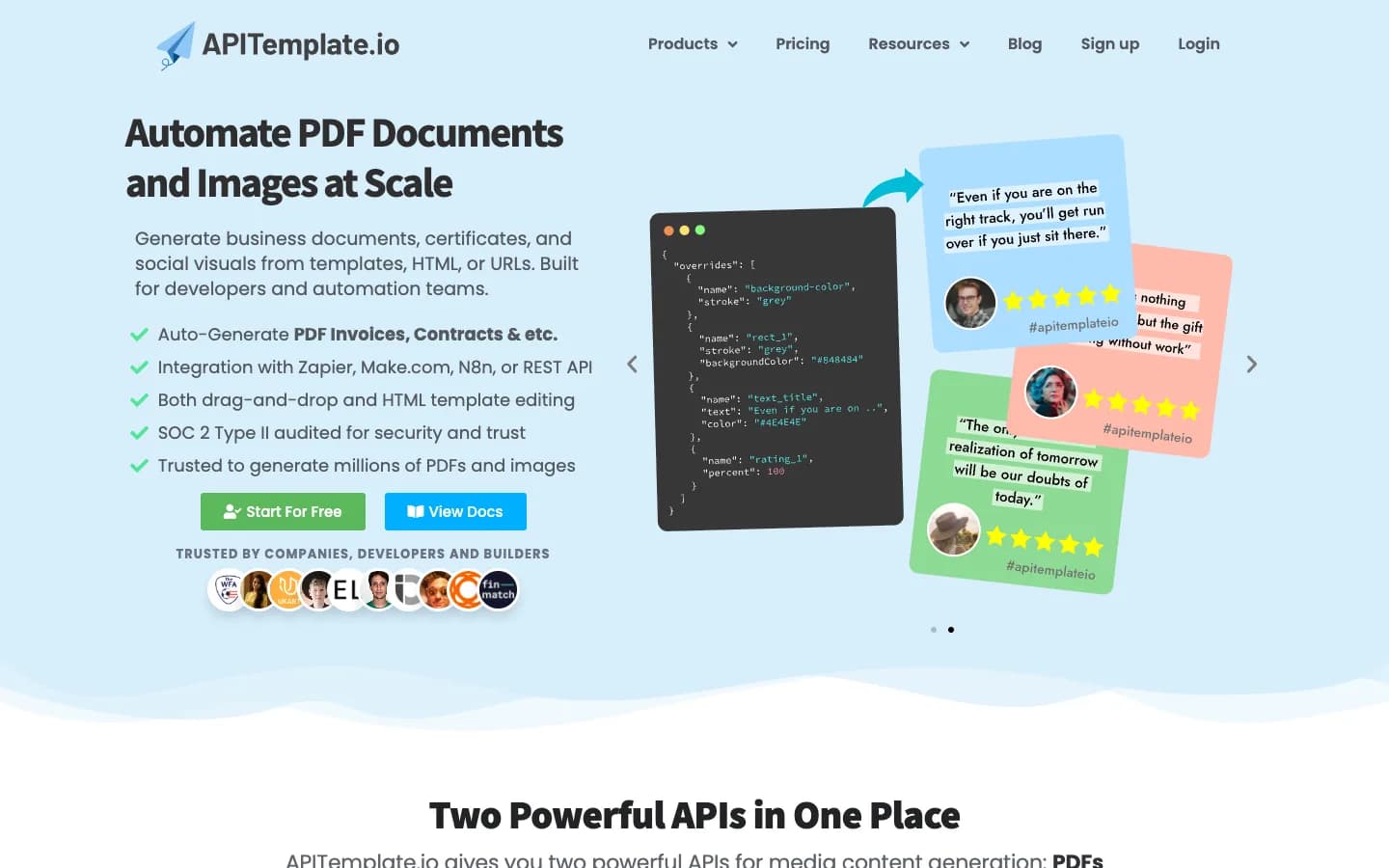
APITemplate.io generates PDFs and images from templates built in a visual editor or with HTML and Jinja2. Unlike most template tools, it can also convert raw HTML, a URL, or Markdown directly. It is made by Alphacloud Technologies in Singapore, the same company behind CraftMyPDF.
Strengths
- Templates, raw HTML, URLs, and Markdown in one API, plus image output.
- Four data regions: Singapore, Frankfurt, US East, and Sydney.
- SOC 2 Type II, asynchronous webhooks, and storage in your own S3, R2, or Azure.
- SDKs for five languages, and integrations with Zapier, Make, n8n, Bubble, and Airtable.
Limitations
- No fillable form fields, password protection, or watermarks in the API.
- No published overage price, and every plan caps the number of templates.
- Waiting for dynamic content is limited to a fixed delay.
Pricing
- PDF Basic: $24/month for 3,000 PDFs
- PDF Standard: $89/month for 12,000 PDFs
- PDF Enterprise: $179/month for 25,000 PDFs
- Annual billing saves up to 20%.
Best for: Templates with a choice of data region.
11. CraftMyPDF
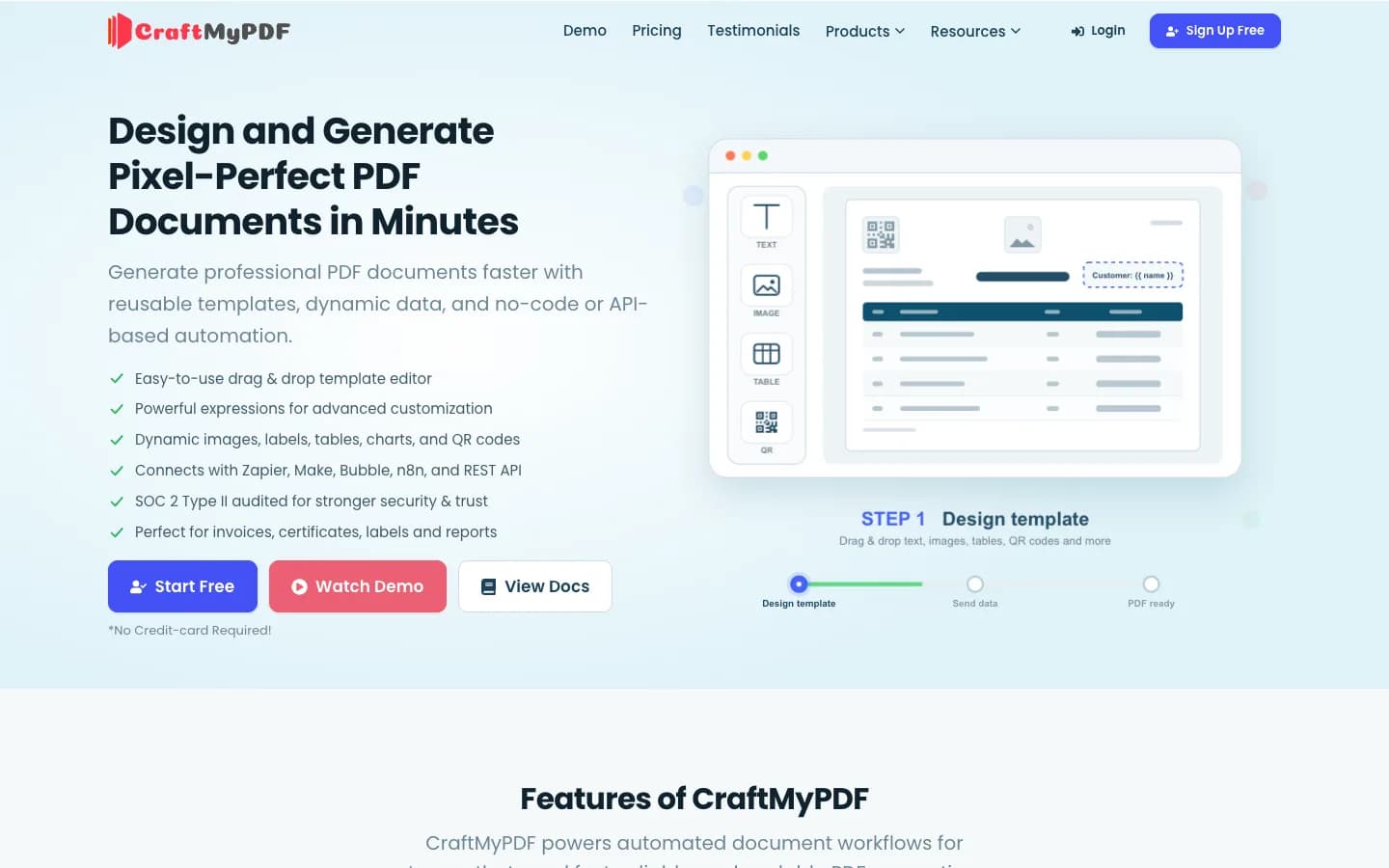
CraftMyPDF is a drag-and-drop template designer for PDFs and images, from the same company as APITemplate.io. You build templates from components and fill them with JSON through the API or no-code tools.
Strengths
- A visual editor that non-developers can maintain.
- Fillable form fields, watermarks, password protection, merging, and an e-signature API.
- Four data regions, SOC 2 Type II, and a 99.9% SLA with service credits.
- Zapier, Make, n8n, Bubble, Airtable, and HubSpot integrations.
Limitations
- No raw HTML or URL conversion; everything goes through a template.
- No overage: generation stops at the monthly limit until you upgrade.
- No official SDKs or MCP server, and password protection starts on the $99 plan.
Pricing
- Lite: $29/month for 1,200 PDFs or images
- Plus: $49/month for 3,000 PDFs or images
- Professional: $99/month for 12,000 PDFs or images
- An e-signature request uses 10 credits. Annual billing saves up to 17%.
Best for: No-code template design with e-signatures.
Self-hosted alternatives
If documents must never leave your servers, you can run the conversion yourself. These tools are free and open source, but you pay for the servers and the time to run, scale, and update them.
- Puppeteer and Playwright:browser automation libraries whose page.pdf() method uses Chrome's print engine. See PDFGate vs Puppeteer.
- Gotenberg: a Docker-based API that converts HTML, URLs, and Office documents with Chromium and LibreOffice. See PDFGate vs Gotenberg.
- wkhtmltopdf: a command-line tool on an outdated WebKit engine. Its repository was archived in 2023, so we recommend moving away from it. See PDFGate vs wkhtmltopdf.
We left Restpack out of this year's list. Its API still responds, but its most recent changelog entry is about five years old.
How to choose an HTML to PDF API
- Your pages rely on JavaScript: choose a Chrome-based API with good waiting options, such as waiting for a CSS selector or for the network to go idle.
- Your documents are designed for print: look at DocRaptor for CSS Paged Media, footnotes, and PDF/UA.
- Your layout uses modern CSS: web fonts, grid, custom properties and page counters are where converters differ most. Check how each API scored in the rendering benchmark before you trust a feature list.
- You convert third-party websites: look for cookie banner handling, authentication, and custom headers. PDFGate, Browserless, ConvertAPI, and CloudConvert all handle cookie banners.
- If you need more than a PDF, compare features such as fillable forms, password protection, PDF/A, and e-signatures, and check whether each one is a separate paid call.
- You generate at high volume: compare cost per document, how usage is counted (per document, per MB, or per second), and parallel conversion limits.
- You have compliance requirements: check SOC 2, ISO 27001, HIPAA, and where data is processed and stored.
For side-by-side details, including how to migrate your API calls, see all our comparisons.
Frequently asked questions
What is the best HTML to PDF API?
It depends on what you generate. For web pages and JavaScript-driven templates, choose a Chrome-based API such as PDFGate, PDFShift, or Browserless. For print layouts and PDF/UA, choose DocRaptor. For the lowest cost at volume, choose Api2Pdf or CloudConvert. If you design documents as templates and send JSON, choose PDFMonkey, APITemplate.io, or CraftMyPDF.
Which HTML to PDF API is the cheapest?
At volume, the pay-per-use services are cheapest: Api2Pdf estimates about $5.91 for 10,000 typical PDFs, and CloudConvert subscriptions start at €9.52 for 1,000 credits. For a fixed monthly plan, PDFMonkey starts at €5 for 300 documents, and PDFGate and PDFShift start at $9 for 500.
Which HTML to PDF APIs have a free plan?
DocRaptor, PDFShift, Browserless, ConvertAPI, CloudConvert, PDFMonkey, APITemplate.io, and CraftMyPDF have free plans or free credits. PDFCrowd and Api2Pdf offer free trial credit, and PDFGate offers a 14-day free trial.
Do all HTML to PDF APIs use Chrome?
Most do. PDFGate, PDFShift, Api2Pdf, Browserless, ConvertAPI, CloudConvert, PDFMonkey, and APITemplate.io render with Chrome or Chromium. DocRaptor uses Prince, and PDFCrowd and CraftMyPDF do not say which engine they use.
Which APIs can create fillable PDF forms or collect signatures?
PDFGate creates fillable form fields from HTML inputs and sends documents for e-signature in the same API. PDFMonkey, DocRaptor, and PDFCrowd can create fillable forms, and CraftMyPDF offers both fillable forms and an e-signature API.
Should I use a template-based tool or a code-first API?
Use a code-first API if your developers already produce HTML or you need to convert existing web pages. Use a template-based tool if non-developers maintain document layouts, or you want to generate documents from no-code tools by sending JSON data.
Information about each API comes from its public website and was last reviewed on October 4, 2026. Features and prices may have changed since then.